Why Your SaaS Product Needs a Public Changelog ?

Most SaaS teams build and ship constantly. New features land, bugs get fixed, integrations go live. But without a structured way to communicate these changes, customers are left in the dark. According to Salesforce's State of the Connected Customer report, 74% of customers say communicating honestly and transparently is more important now than before the pandemic. For SaaS companies, a public changelog is one of the most direct and underutilized ways to meet that expectation — turning internal shipping activity into visible, trustworthy communication with users.
This article explains what a public changelog is, why it matters, and how tools like SubPage make it easy to build and maintain one without any technical overhead.
What is a public changelog?
A public changelog is a dedicated page on your website that documents every meaningful update to your product in chronological order. This includes new features, bug fixes, UI improvements, integrations, and deprecations. Unlike internal release notes or engineering tickets, a public changelog is written for your customers and made accessible to anyone who visits your site.
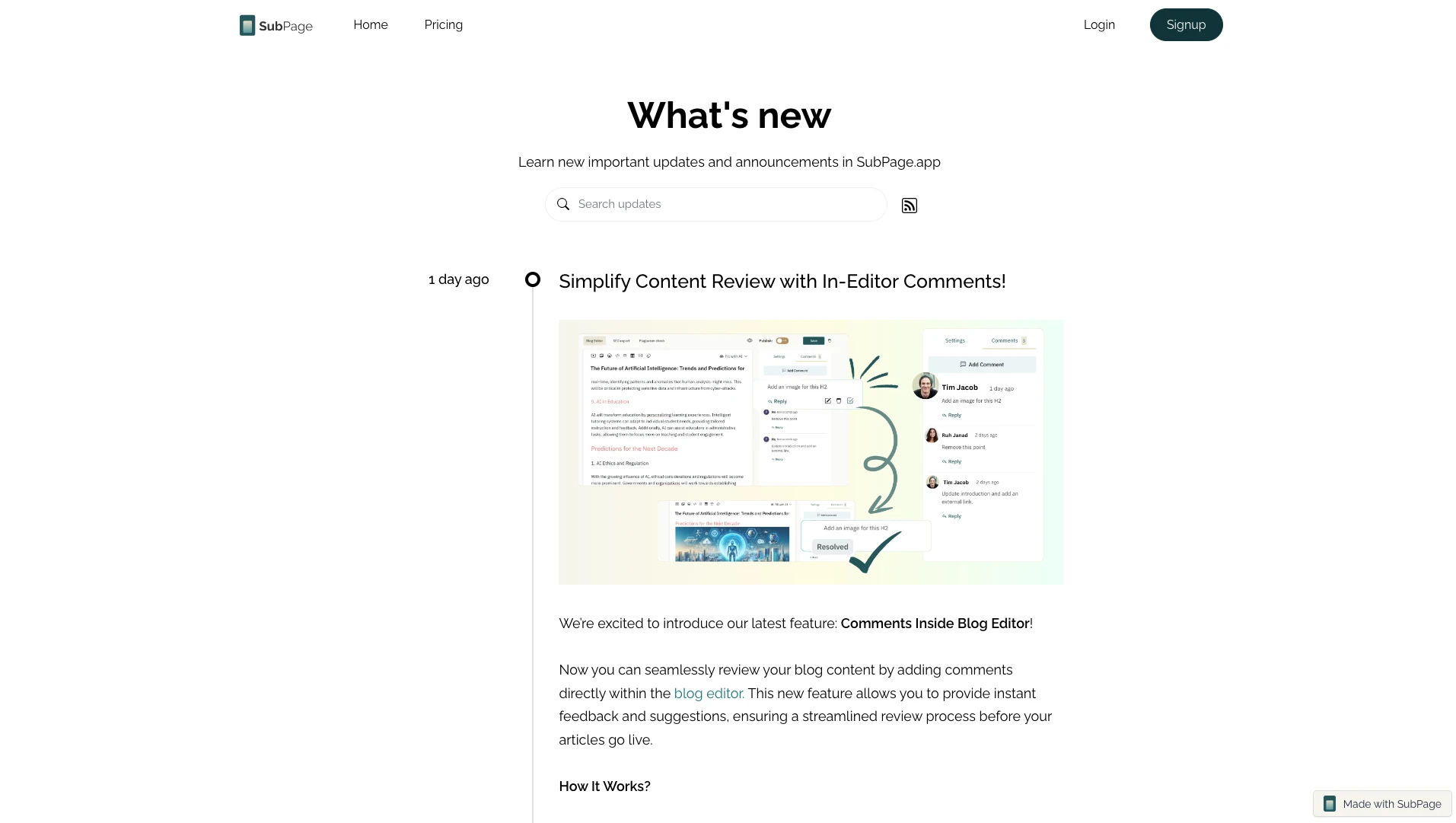
Think of it as a transparent record of your product's evolution. Each entry typically includes a date, a version number (if applicable), a category label, and a clear description of what changed and why it matters to users.
While some teams confuse changelogs with product roadmaps, the two serve different purposes. A roadmap communicates what is planned. A changelog records what has already shipped. Both are valuable, but changelogs carry a different kind of weight — they are proof, not promise.
Why SaaS products need a public changelog
It builds trust through transparency
Customers want to know that your product is actively maintained and improving. A public changelog signals that your team is working, shipping, and paying attention. It transforms abstract activity into visible progress and reassures users — especially those evaluating or renewing — that their investment is in a product that is growing with them.
It reduces support volume
When users encounter a change in behavior or a new interface, they often reach out to support, asking what happened. A well-maintained changelog gives your support team a direct reference and reduces inbound questions about recent releases. Users who can find answers themselves are less likely to file tickets.
It improves activation and feature adoption
New features often go unnoticed because users do not know they exist. A public changelog, especially when surfaced through in-app widgets or announcement bars, creates regular touchpoints that drive feature discovery. A user who sees that a feature they requested has been shipped is far more likely to explore and adopt it.
It supports your sales and marketing narrative
Prospects comparing your product with competitors will often look at how actively the product is developed. A public changelog serves as living proof of your development velocity. Sales teams can reference recent entries during demos. Marketers can repurpose changelog updates as social content or email announcements.
It closes the feedback loop
Many SaaS users submit feature requests or bug reports and then never hear back. A changelog gives you a lightweight way to acknowledge that feedback has been acted on. When users see their request reflected in a release note, it deepens their connection to the product and reinforces the value of continued engagement. If you are thinking about how to build that communication layer further, how SaaS companies can use blog content to educate users is worth reading.
What makes a good changelog entry?
Not all changelogs are equally useful. The difference between a changelog that users actually read and one that gets ignored usually comes down to how the entries are written.
A strong changelog entry is written in plain language rather than engineering jargon, focused on user impact rather than technical implementation, clearly categorized as a feature, fix, improvement, or deprecation, accompanied by a visual when the change is visual in nature, and published consistently even for minor releases.
Teams that adopt a consistent publishing cadence — weekly or biweekly — tend to generate more trust than those who post large batches infrequently. Regularity signals momentum.
For teams thinking about how to structure content that educates and retains, how to create a blog content strategy for SaaS startups offers a useful framework that applies equally well to changelog publishing habits.
How SubPage makes building a changelog simple
SubPage is a no-code platform that lets SaaS teams build and publish essential product and marketing pages — including changelogs, roadmaps, help centers, and blogs — all in one place. It is purpose-built for teams who want professional-quality output without the overhead of custom development.
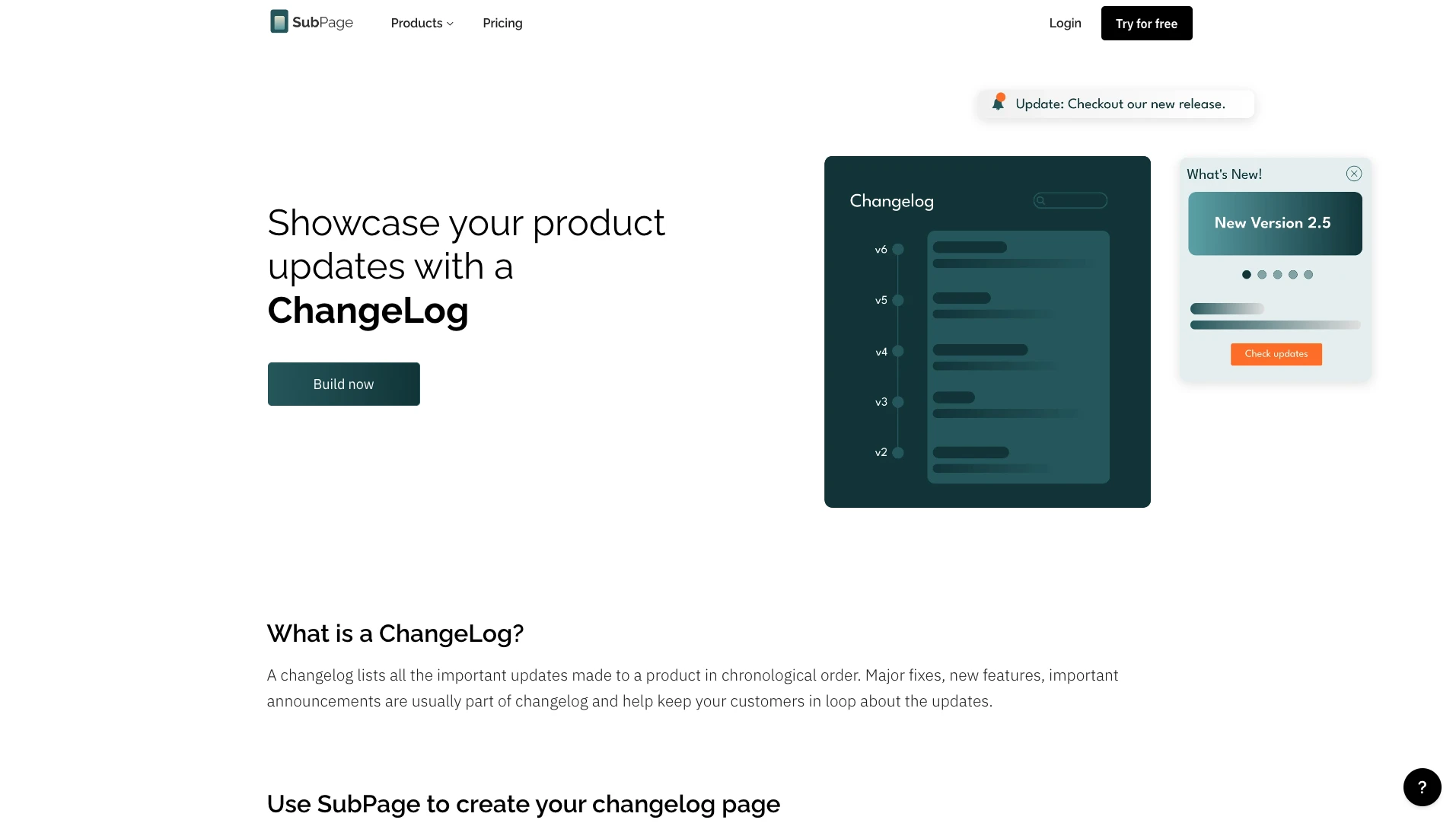
Simple, focused editor
The SubPage changelog builder is stripped down to exactly what you need: a heading, description, date, version, log type, and optional feature image. There is no clutter, no unnecessary fields. Your team can publish an update in minutes rather than hours.
Log types and custom categories
Every update is not the same. SubPage lets you define custom log types — such as feature, fix, improvement, or critical — and assign colors to each. This makes it instantly clear to readers what kind of change they are looking at without having to read through every entry.
Changelog widgets for in-app visibility
SubPage offers multiple embeddable widgets — announcement bars, popups, sidebars, and showcase blocks — that you can place anywhere on your product or marketing site. These widgets pull your latest changelog entries automatically, ensuring users see recent updates without leaving the product experience.
RSS feed for automated distribution
SubPage generates an RSS feed for your changelog automatically. You can connect this feed to tools like Zapier to trigger Slack notifications, email digests, or WhatsApp messages whenever a new entry is published. This turns your changelog into an active communication channel rather than a static archive. Teams interested in passive distribution strategies will find how to use RSS feeds to grow your blog audience passively a practical read.
Collaborative publishing
SubPage allows you to add team members with specific permissions — editor, reviewer, or viewer — so product managers, designers, and writers can all contribute to and review changelog entries before they go live. This removes the bottleneck of a single person being responsible for all release communication.
Visual updates theme
For teams that ship visually significant changes, SubPage offers a visual updates theme that transforms a standard chronological list into a rich, image-forward updates page. This makes your changelog more engaging and easier to scan — especially for users who are looking for proof that the product has improved since they last evaluated it.
Changelog vs. blog: knowing the difference
Some teams try to use blog posts as a substitute for a changelog. While release-focused blog posts have their place in content strategy, they are not a replacement for a dedicated changelog page.
A blog is editorial — it offers context, narrative, and perspective. A changelog is operational — it records what changed, when, and why. The two formats serve different readers at different points in the customer journey. Prospects might read a blog post about a major feature launch, but existing customers will go directly to the changelog to understand exactly what changed in the latest release.
Maintaining both is a sign of product and content maturity. For teams building out their content infrastructure, how to repurpose product documentation into blog content offers a practical approach to making changelog entries work harder across your broader content strategy.
Building trust with stakeholders beyond your user base is also worth considering. A public changelog contributes to the kind of transparency that investors, partners, and enterprise buyers increasingly expect. If you want to think about this more broadly, how a newsroom page builds trust with investors, partners, and customers explores that communication strategy in depth.
When to start publishing a changelog
The answer is: earlier than you think. Many SaaS founders delay publishing a changelog until their product feels mature enough. But the real value of a changelog accumulates over time. The teams with the most compelling changelogs are those who started publishing early and kept going consistently.
If you have shipped anything — even a beta feature or a small UI improvement — you have something worth publishing. Starting early establishes the habit and creates an archive that becomes increasingly valuable as your product grows.
For teams who want to understand how content compounds over time, how blog content helps in building brand authority is a good place to start — the same principles apply directly to changelog publishing.
Conclusion
A public changelog is not just a record of what your team has built. It is one of the clearest signals of product health, transparency, and commitment to your customers. SaaS companies that communicate product updates consistently retain more users, generate more trust, and convert more prospects into long-term customers.
SubPage gives you everything you need to build and maintain a professional changelog without engineering effort — from the focused editor and log type categorization to the auto fetch mention feature, embeddable widgets, and RSS-powered distribution. It is the fastest way to go from shipping features to showing your users that you are always improving.
Start your public changelog today and publish your first update in minutes.
