The Best 6 Applicant Tracking Systems for Small Companies
Finding the right talent is essential for every small company, and SubPage is built precisely for this purpose. As a simple and easy-to-use applicant tracking system, SubPage helps small teams manage applications efficiently, stay organized, and create a professional hiring experience without technical complexity. According to Select Software Reviews, teams using an ATS report a 62% increase in high-quality candidates compared to those relying solely on traditional inbound applications.
For many small companies, navigating the ATS landscape can feel overwhelming. Limited HR staff, tight budgets, and the pressure to hire quickly make it critical to choose a system that is practical, reliable, and easy to use. The right applicant tracking system can simplify your workflow, keep candidate information organized, and help your team work more efficiently.
In this blog, we explore the 6 best applicant tracking systems for small companies in 2026, starting with SubPage and then moving on to other strong alternatives. These ATS solutions give small teams everything they need to build professional careers pages, manage candidates efficiently, automate routine tasks, and collaborate seamlessly—all while staying within budget.
Top 6 Applicant Tracking Systems for Small Companies
The best applicant tracking systems help small companies stay competitive by streamlining job posting, candidate management, and team collaboration. With automated workflows and professional recruitment tools, even lean HR teams can run efficient, organized hiring processes. As talent competitions grow, choosing the right ATS is essential to maintaining speed, efficiency, and a strong employer brand.
Software | Pricing | Best For |
SubPage | Free plan available; paid plans from $20/mo | Simple, fast ATS for small teams |
Recruit CRM | Starts around $33 per user/month | Agencies & teams needing ATS + CRM |
AvaHR | Free trial available; plans from $129/mo | Small teams need easy hiring tools |
Zoho Recruit | Starts at approx. $33/month | Startups using the Zoho ecosystem |
Manatal | Free trial available; starts at $79/month | Budget-friendly ATS with CRM features |
Pinpoint ATS | Pricing available on request | Companies hiring across locations |
1. SubPage
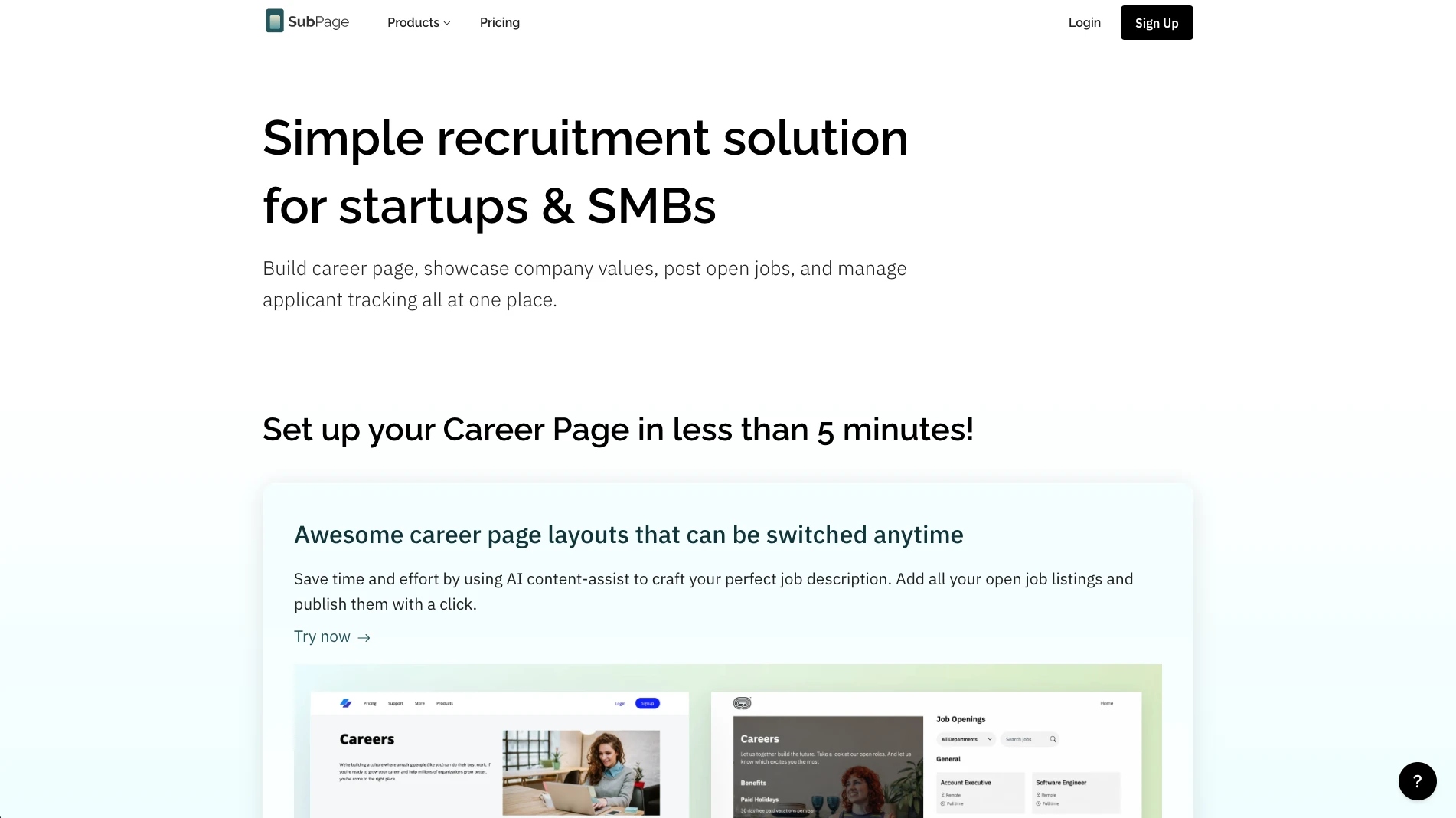
SubPage is a simple applicant tracking system designed for HR managers who need to track, filter, and process applications efficiently. Built with non-technical users in mind, SubPage makes it easy for any HR team member to manage the entire recruitment workflow without technical expertise.
Key Features for Small Companies:
- One-Step Application Process: A streamlined application process is critical for both candidates and your hiring team. Complex, multi-page applications lead to candidate drop-off, while difficult-to-review submissions waste your team's time.
- Instant Application Notifications: Missing applications or delayed responses can cost you top candidates. Real-time notifications ensure your team stays on top of incoming applications and can respond quickly.
- Smooth Applicant Review Workflow: An organized review process is essential for making timely hiring decisions. Without clear workflows and candidate categorization, applications get lost, and promising candidates slip through the cracks.
- Easy Candidate Management: The platform provides an intuitive candidate management system that helps you track applicants through every stage of the hiring funnel, from initial application to final offer.
- Build a Functional Careers Page in Minutes: SubPage offers professionally designed career page layouts that let you build a beautiful, functional careers page in minutes — and you can switch between layouts anytime to match your evolving brand.
- First-Class Integrations: SubPage provides excellent support for Zapier and LinkedIn, allowing you to automate workflows seamlessly. For example, when an application arrives, automatically add it to a Google Sheet.
Best For:
Small companies and startups that need a simple, user-friendly ATS with professional features and powerful integrations. Ideal for teams without dedicated technical resources who want to get started quickly.
Pricing:
SubPage offers a free plan with paid plans starting at $20/month and is best suited for small teams needing a simple, fast ATS.
Why It Stands Out:
- SubPage streamlines applicant tracking by keeping your team informed, responsive, and fully organized at every stage.
- Each time a candidate applies, you receive real-time notifications—both inside the app and directly in your HR inbox—so no application is ever overlooked.
- Reviewing candidates is equally efficient: access all resumes in one place, update their status instantly, and classify each applicant as shortlisted, interviewed, or on-hold with a single click.
- SubPage offers a free plan to begin and paid plans starting at just $20/month. SubPage offers a highly affordable, startup-friendly alternative to complex enterprise hiring platforms.
2. Recruit CRM
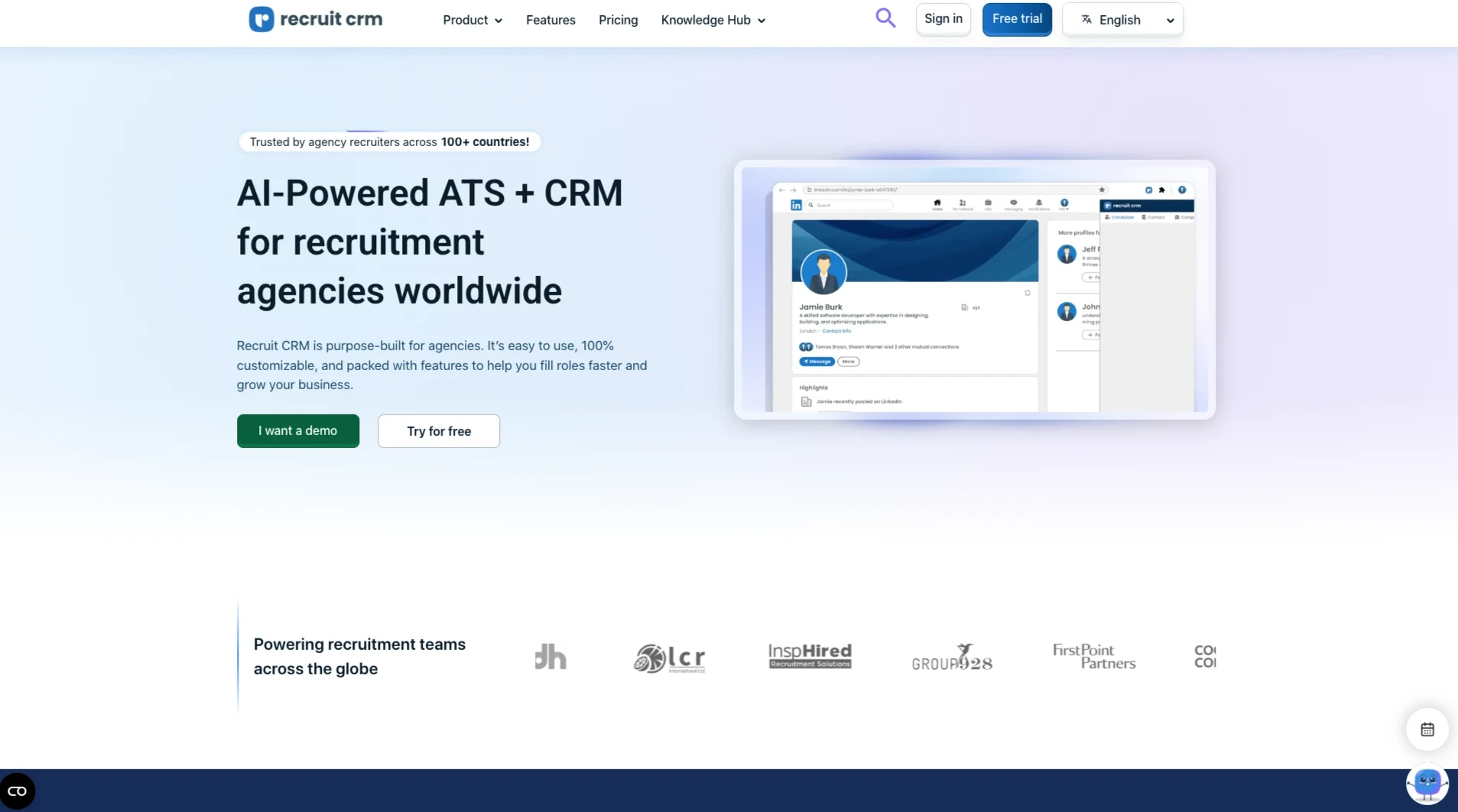
Recruit CRM is a comprehensive ATS and CRM software that combines applicant tracking with customer relationship management capabilities, making it ideal for recruitment agencies and small companies with complex hiring needs.
Key Features for Small Companies:
- Advanced algorithms help match candidates to open positions based on skills, experience, and other relevant criteria, reducing time spent on manual screening.
- Robust analytics tools provide insights into your recruitment metrics, helping you understand what's working and where you can improve.
- Seamlessly integrates with popular HR applications and tools, creating a connected ecosystem for your hiring workflow.
Best For:
Small companies and recruitment agencies that need both ATS and CRM functionality in one platform, with strong analytics capabilities.
Price:
Recruit CRM starts at $33 per user per month and is ideal for agencies and teams that need both ATS and CRM features.
3. AvaHR
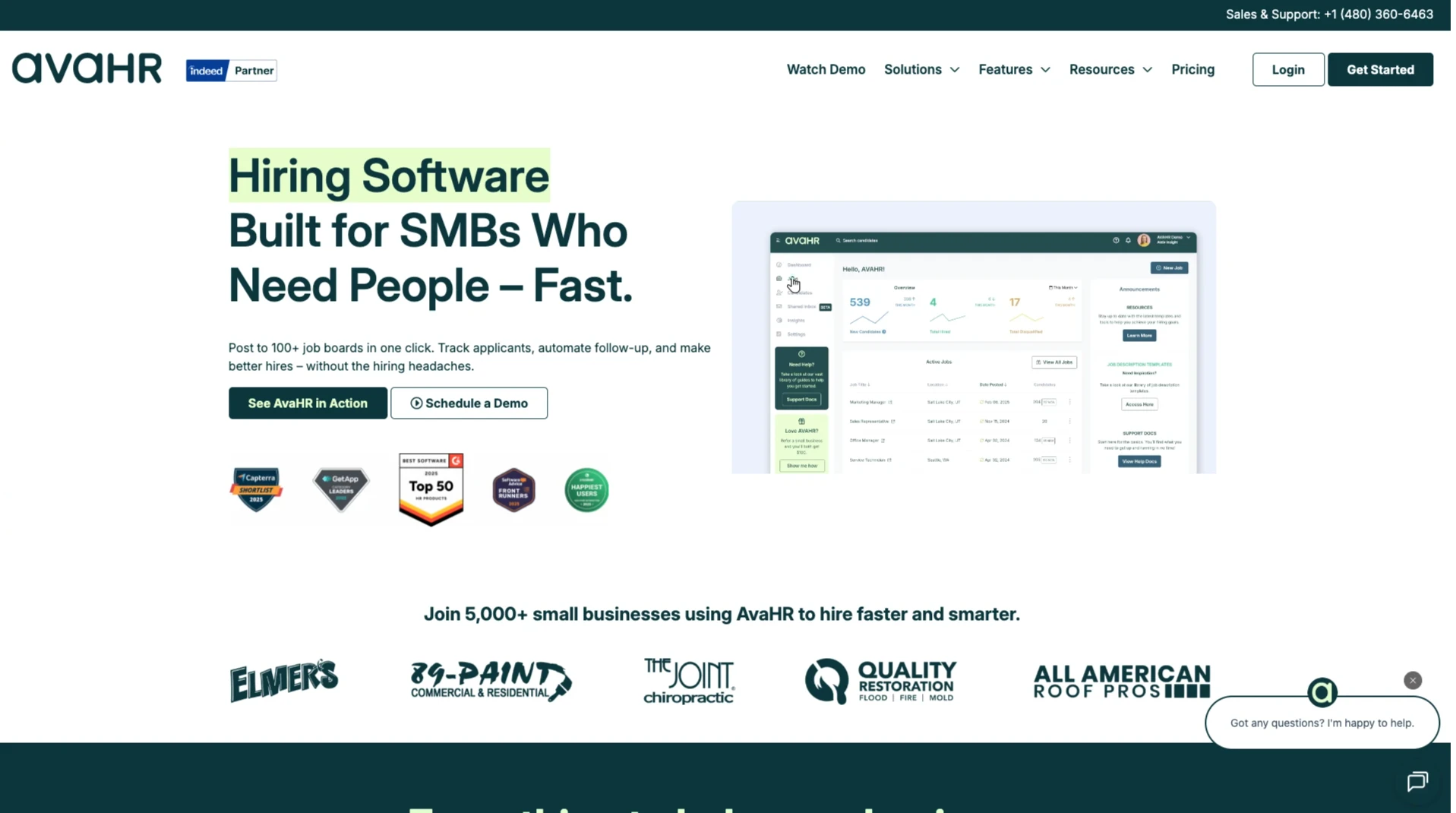
AvaHR is an ATS and hiring software designed specifically for small businesses, offering a comprehensive suite of recruitment tools at an accessible price point.
Key Features for Small Companies:
- Easily post jobs to multiple job boards and platforms from a single interface, expanding your reach without additional effort.
- Built-in collaboration tools allow your hiring team to communicate, share feedback, and make hiring decisions together seamlessly.
- Create a professional, branded careers page that showcases your company culture and open positions.
- Track candidates through every stage of the hiring process with an intuitive pipeline management system.
Best For:
Small businesses looking for a straightforward ATS solution with strong collaboration features and the ability to build a professional careers page.
Price:
AvaHR provides a free trial with plans from $129/month and works well for small teams looking for easy-to-use hiring tools.
4. Zoho Recruit
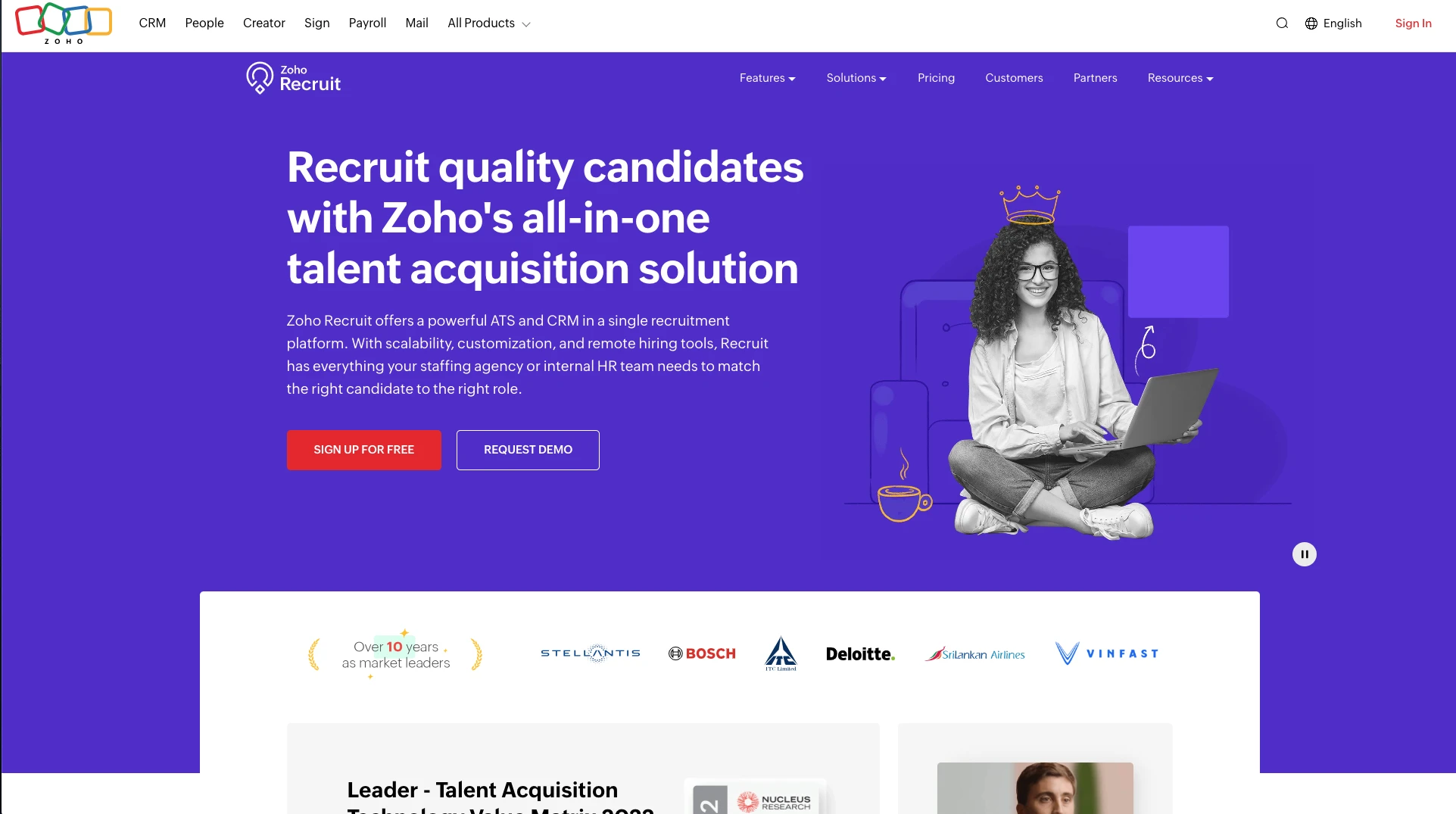
Zoho Recruit is part of the Zoho suite of business applications, offering a robust ATS solution designed specifically for startups and small companies.
Key Features for Small Companies:
- Create fully customized, branded careers pages that reflect your company's identity and culture.
- Embed job listings directly into your website with customizable widgets, keeping your site visitors engaged without redirecting them elsewhere.
- Comprehensive tools for managing candidates throughout the entire recruitment lifecycle, from sourcing to onboarding.
- Seamlessly integrates with other Zoho products, creating a unified business management platform.
Best For:
Startups and small companies already using Zoho products or looking for a scalable ATS that grows with their business.
Price:
Zoho Recruit starts at around $33/month and is a good fit for startups already using the Zoho ecosystem.
5. Manatal
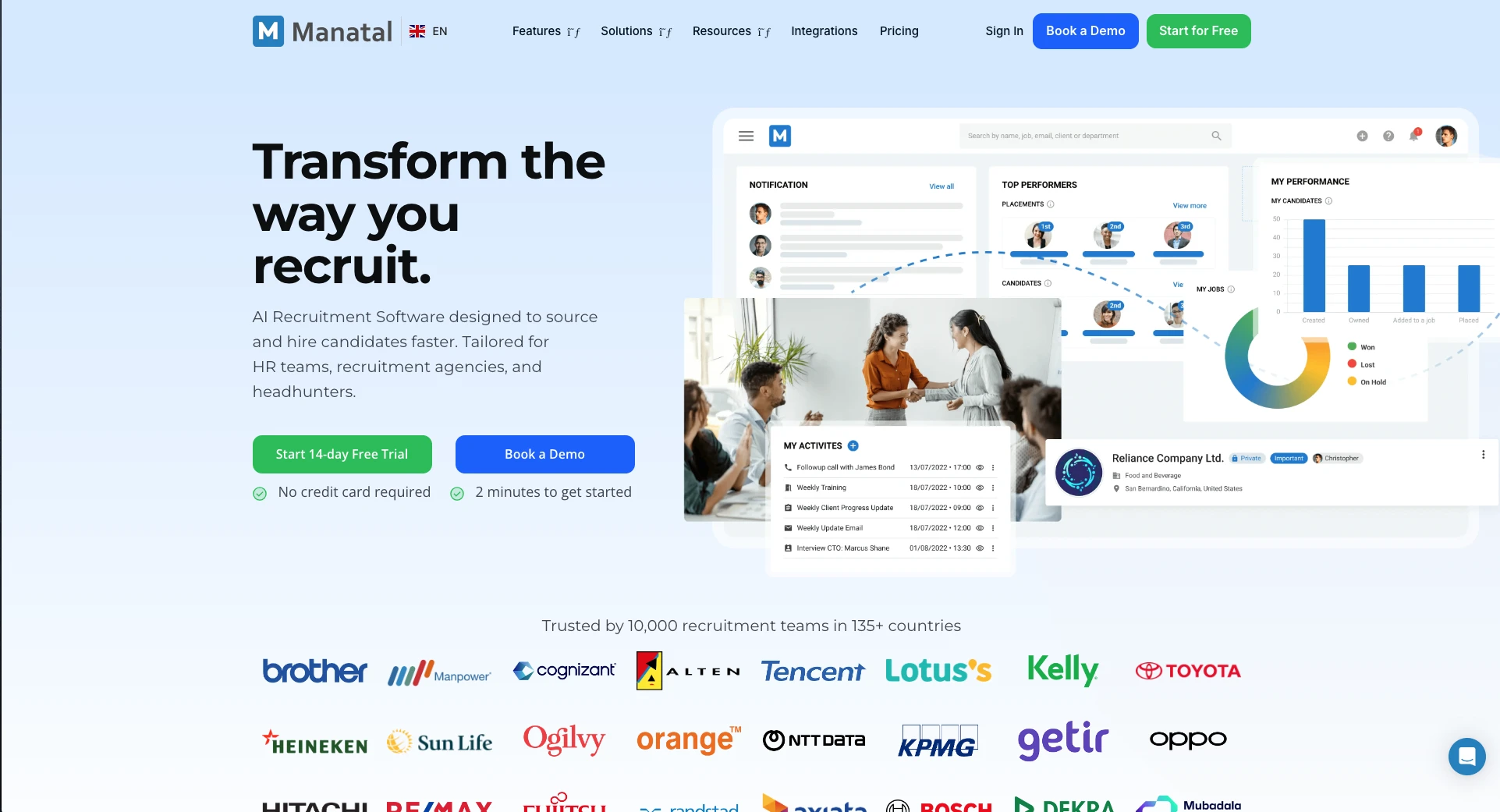
Manatal is an ATS and CRM software that combines applicant tracking with relationship management, offering powerful features at an affordable price point.
Key Features for Small Companies:
- Track applications and candidates through customizable hiring pipelines, ensuring nothing falls through the cracks.
- Enable your hiring team to work together efficiently with shared candidate profiles, comments, and evaluations.
- Build a professional, branded careers page that attracts quality candidates and showcases your employer brand.
- Connect with popular job boards, social media platforms, and business tools to streamline your workflow.
Best For:
Budget-conscious small companies that need both ATS and CRM functionality with extensive integration options.
Price:
Manatal offers a free trial with plans starting at $79/month and is a budget-friendly ATS with CRM capabilities.
6. Pinpoint ATS
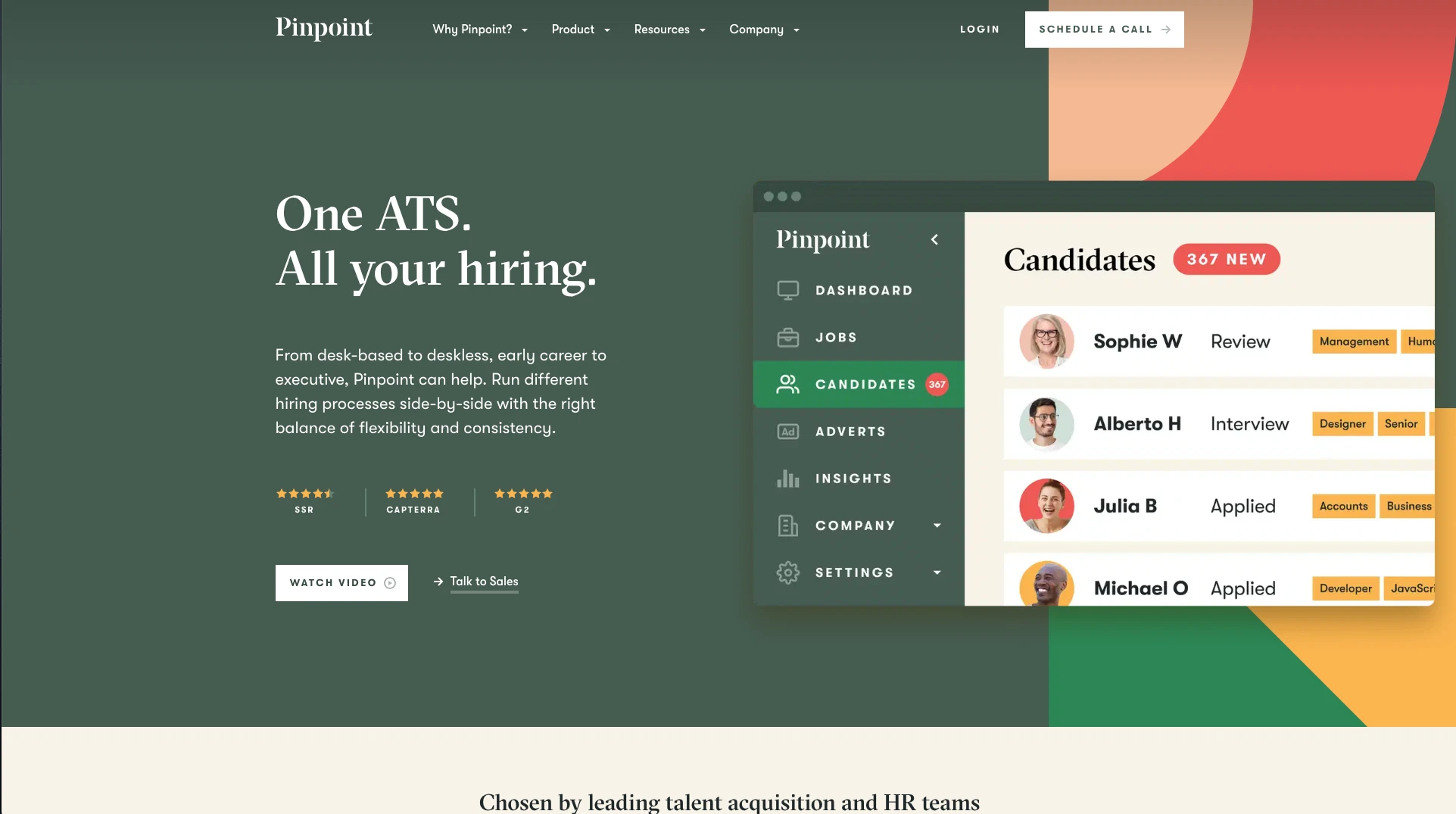
Pinpoint ATS is a global applicant tracking software designed to support companies hiring across multiple locations and markets.
Key Features for Small Companies:
- Organize and manage all open positions from a centralized dashboard, making it easy to track hiring across departments.
- AI-powered chatbots engage with candidates, answer questions, and collect preliminary information, improving candidate experience while saving your team time.
- Create beautiful, responsive careers pages that work seamlessly across all devices and reflect your employer brand.
- Customize application forms to collect the exact information you need without overwhelming candidates with lengthy forms.
- Comprehensive tools for managing candidates through every stage of the hiring process, with powerful filtering and search capabilities.
Best For:
Small companies with global hiring needs or those planning international expansion who need a scalable ATS solution.
Price:
Pinpoint ATS offers pricing on request and is designed for companies hiring across multiple locations.
Key Features to Look for in an ATS for Small Companies
When selecting an applicant tracking system for your small company, prioritize features that maximize efficiency, improve the candidate experience, and fit your budget. Below are key aspects to consider when choosing the best ATS for your team.
1. Ease of Use
For small companies with limited HR resources, an intuitive, easy-to-use interface is critical. The system should require minimal training and allow team members to get started quickly without extensive technical knowledge.
What to look for:
- Clean, intuitive interface that makes sense on first use
- Minimal learning curve with self-explanatory navigation
- Clear workflow that guides users through processes
- Support for non-technical users without constant IT help is needed
2. Careers Page Builder
A professional careers page builder is essential for attracting quality candidates and establishing employer brand credibility. Look for ATS solutions like SubPage that include career page builders with customizable, professional templates.
What to look for:
- Professional, mobile-responsive layouts that work on all devices
- Customization options to match your brand colors, fonts, and style
- SEO optimization to help candidates find your job postings
- Easy job listing management without technical skills
3. Collaboration Tools
Small teams often involve multiple stakeholders in hiring decisions—technical leads for developer roles, department managers for team fit, executives for culture alignment. Collaboration features ensure everyone can participate effectively.
What to look for:
- Shared candidate profiles accessible to all relevant stakeholders
- Comment and feedback systems for structured evaluations
- Role-based permissions to control access appropriately
4. Integration Capabilities
Your ATS should connect seamlessly with your existing tools and platforms to create an efficient, automated workflow that eliminates manual data entry and keeps information synchronized.
What to look for:
- Job board integrations for broad candidate reach
- Social media connectivity (LinkedIn, Facebook, Twitter)
- Email and communication tools integration
- Zapier or similar automation platforms for custom workflows
5. Candidate Management
Effective candidate management tools help you track applicants through every stage of the hiring process, ensuring no candidate falls through the cracks and everyone receives appropriate attention.
What to look for:
- Customizable hiring pipelines that match your process
- Candidate filtering and search by skills, location, and experience
- Resume parsing that extracts key information automatically
- Communication tracking for the complete candidate interaction history
- Application status updates that keep candidates informed
6. Automation Features
Automation saves time and ensures consistency in your hiring process, which is especially valuable for small teams that can't dedicate full-time resources to recruiting.
What to look for:
- Automated email responses for acknowledgment and status updates
- Workflow automation for moving candidates through stages
- AI-powered job descriptions that create compelling postings
- Automated candidate screening based on qualification criteria
- Integration automation (via Zapier, etc.) for cross-platform workflows
7. Job Widgets and Website Embedding
The ability to showcase jobs directly on your website keeps visitors engaged and maximizes the reach of your job postings without redirecting candidates to external sites.
What to look for:
- Embeddable job widgets for your website
- Automatic updates when new jobs are posted
- Customizable appearance to match your site design
- Open positions counter to create urgency
8. Affordability and Scalability
Budget is a critical consideration for small companies. Look for solutions that offer value at your current size while allowing you to scale as you grow without costly platform migrations.
What to look for:
- Transparent pricing with clear tier descriptions
- Free trials or free plans to test before committing
- Flexible pricing tiers based on your actual needs
- Pay-as-you-grow models that scale with hiring volume
- No hidden fees for essential features
How to Choose the Right ATS for Your Small Company
Selecting the right applicant tracking system requires careful consideration of your company's unique needs, budget, and growth plans. Here's a framework to guide your decision-making process:
1. Assess Your Hiring Volume and Complexity
Consider how many positions you typically hire for and the complexity of your hiring process. A company hiring 5-10 people per year has different needs than one hiring 50+ annually.
Questions to ask:
- How many positions do we hire annually?
- How many stages are in our typical hiring process?
- How many people are involved in hiring decisions?
- Do we hire for multiple locations or departments?
- What's our average time-to-hire currently?
2. Evaluate Your Technical Resources
Small companies often have limited technical resources. Choose an ATS that matches your team's technical capabilities to avoid implementation roadblocks and ongoing frustration.
Considerations:
- Does your team have technical expertise available?
- Do you need a plug-and-play solution that works immediately?
- How much setup and customization can you realistically handle?
- What level of ongoing maintenance is realistic for your team?
- Do you have developer resources for custom integrations?
3. Determine Your Budget
Be realistic about what you can afford, both initially and ongoing. Remember to factor in implementation costs, training expenses, and potential scaling costs as you grow.
Budget considerations:
- Monthly or annual subscription costs
- Implementation and setup fees (if any)
- Training costs for your team
- Integration costs with existing tools
- Future scaling expenses as you grow
4. Prioritize Must-Have Features
Create a list of essential features versus nice-to-have features. This helps you focus on solutions that meet your core needs without paying for unnecessary functionality.
Core features to consider:
- Careers page builder
- Candidate management and pipeline tracking
- Team collaboration tools
- Basic integrations (job boards, LinkedIn)
- Email notifications and automated communications
5. Test Before You Commit
Take advantage of free trials or demo periods to test the software with your actual hiring workflows. Don't rely solely on demo presentations—use the system yourself.
What to test:
- User interface and ease of use for your actual team
- Key features you'll use daily in real scenarios
- Integration with your existing tools and workflows
- Support and customer service responsiveness
- Mobile accessibility for on-the-go reviewing
6. Consider Future Growth
Choose an ATS that can grow with your company. Switching systems later is disruptive, time-consuming, and potentially costly in terms of lost data and re-training.
Growth considerations:
- Can the system handle 5x your current hiring volume?
- Are there higher-tier plans as you scale?
- Does it support multi-location hiring?
- Can you add users as your team grows?
- Will you need to migrate if you outgrow the platform?
Why SubPage is an Excellent Choice for Small Companies
SubPage stands out as an exceptional choice for small companies for several compelling reasons:
- Speed to Value: Create a professional, branded careers page and start accepting applications within minutes—no technical setup or training required.
- Seamless Integrations: Integrations with Zapier and LinkedIn allow you to automate your hiring workflow end-to-end, from posting jobs to tracking applications in spreadsheets or other tools, without manual data entry.
- Effortless Applicant Tracking: Review resumes in one place, update candidate statuses instantly, and organize applicants as shortlisted, interviewed, or on-hold with a single click—supported by real-time notifications and basic reporting to keep your team informed and aligned throughout the hiring process.
- Professional Without the Price Tag: Enjoy enterprise-grade capabilities—including SEO-optimized careers pages, embeddable job widgets, automated notifications, and a clean candidate management dashboard—at pricing built for small businesses.
If you're ready to streamline your hiring process and attract top talent, give SubPage a try and experience how it can transform your recruitment efforts.
Conclusion
The right applicant tracking system can transform how small companies hire—helping you stay organized, strengthen your employer brand, and compete for top talent. SubPage brings together simplicity, essential applicant-tracking features, and startup-friendly affordability, making it an ideal choice for teams that want to elevate their recruitment without added complexity. By choosing an ATS that fits your needs and supports future growth, you can turn hiring into a true competitive advantage.
Start building your professional careers page and streamlining your hiring process today with the right applicant tracking system for your small company. Sign up and try it for free.
FAQs: Best Applicant Tracking Systems for Small Companies
1. What is an applicant tracking system (ATS)?
An applicant tracking system is software that helps companies manage their recruitment process by organizing candidate information, tracking applications, and streamlining hiring workflows. ATS solutions typically include features like job posting, careers page builders, candidate management, and team collaboration tools.
2. Why do small companies need an ATS?
Small companies need an ATS to compete for talent effectively, maintain professionalism in their hiring process, and maximize efficiency with limited HR resources. An ATS helps organize applications, improve candidate experience, enable team collaboration, and save time through automation—all critical factors when every hire counts.
3. How much does an ATS cost for small companies?
ATS pricing for small companies varies widely. Many providers also offer free plans or free trials, allowing you to test the system before committing. When evaluating costs, consider not just the subscription price but also implementation, training, and integration expenses.
4. What features should small companies prioritize in an ATS?
Small companies should prioritize ease of use, careers page builders, candidate management, collaboration tools, and integration capabilities. Look for systems that require minimal technical expertise, offer professional templates, enable team collaboration, and connect with your existing tools. Automation features and AI-powered tools can also provide significant value by saving time and improving efficiency.
5. Can an ATS integrate with other tools we use?
Most modern ATS solutions offer integration capabilities with popular tools and platforms. Look for systems that support job board integrations, social media connectivity, calendar apps, email platforms, and automation tools like Zapier. SubPage, for example, provides first-class support for Zapier and LinkedIn, enabling seamless workflow automation.
6. How quickly can we implement an ATS?
Implementation time varies by system complexity and your company's needs. Solutions like SubPage are designed for rapid deployment, allowing you to build a careers page and start accepting applications within minutes. More complex systems may require several days or weeks for full setup and customization.