Add a careers page with applicant tracking for your WebFlow website
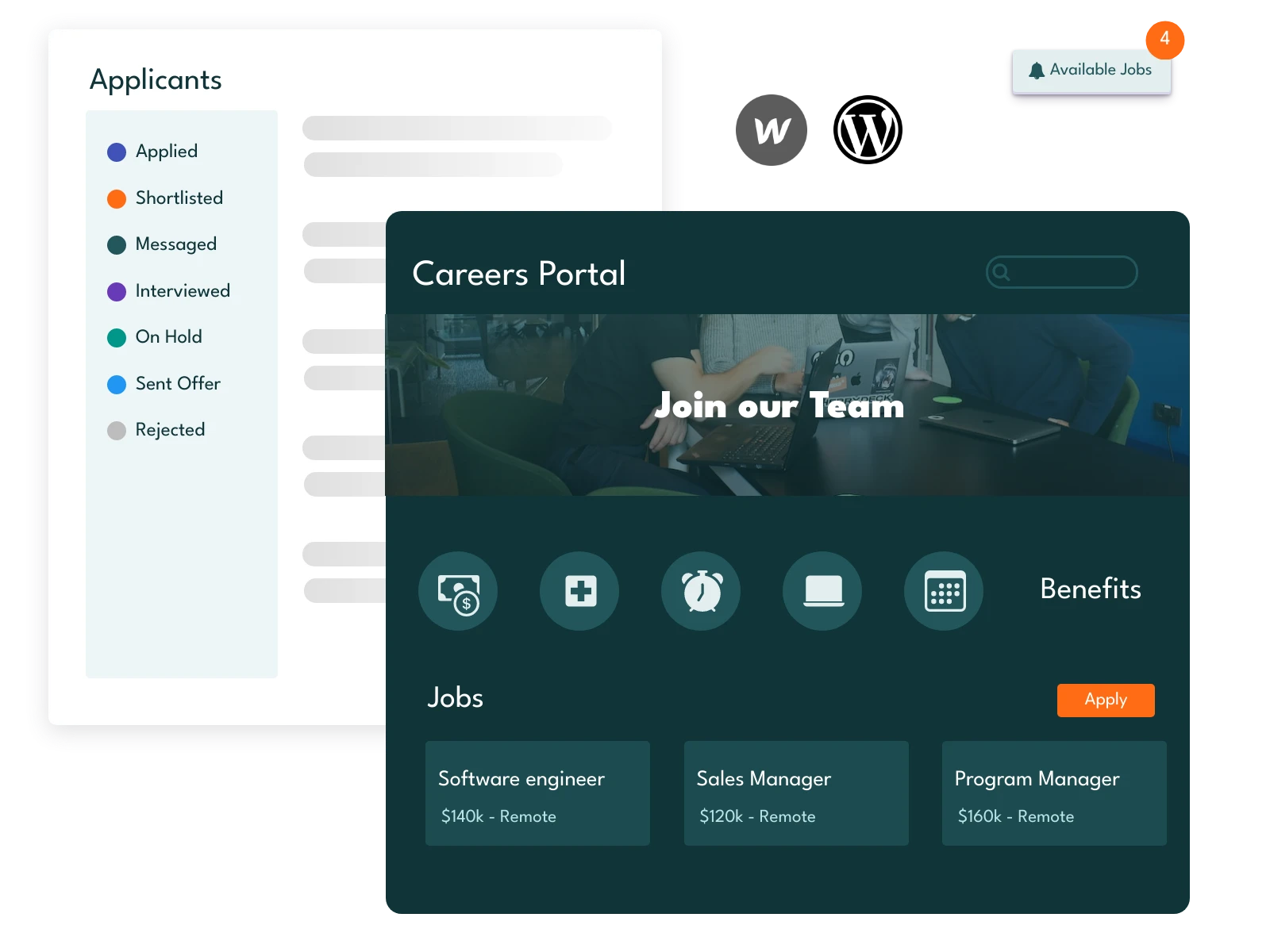

Create a Careers Page in 3 easy steps
Inside the editor click on the Publish button and select "Custom domain", here enter a subdomain for your career page. Example: career.mywebsite.com. And copy the mentioned CNAME value for DNS settings.
Check this article on how to setup subdomain CNS settings in your DNS manager. Note the process might slightly differ based on your DNS system. Check this for more information from WebFlow.
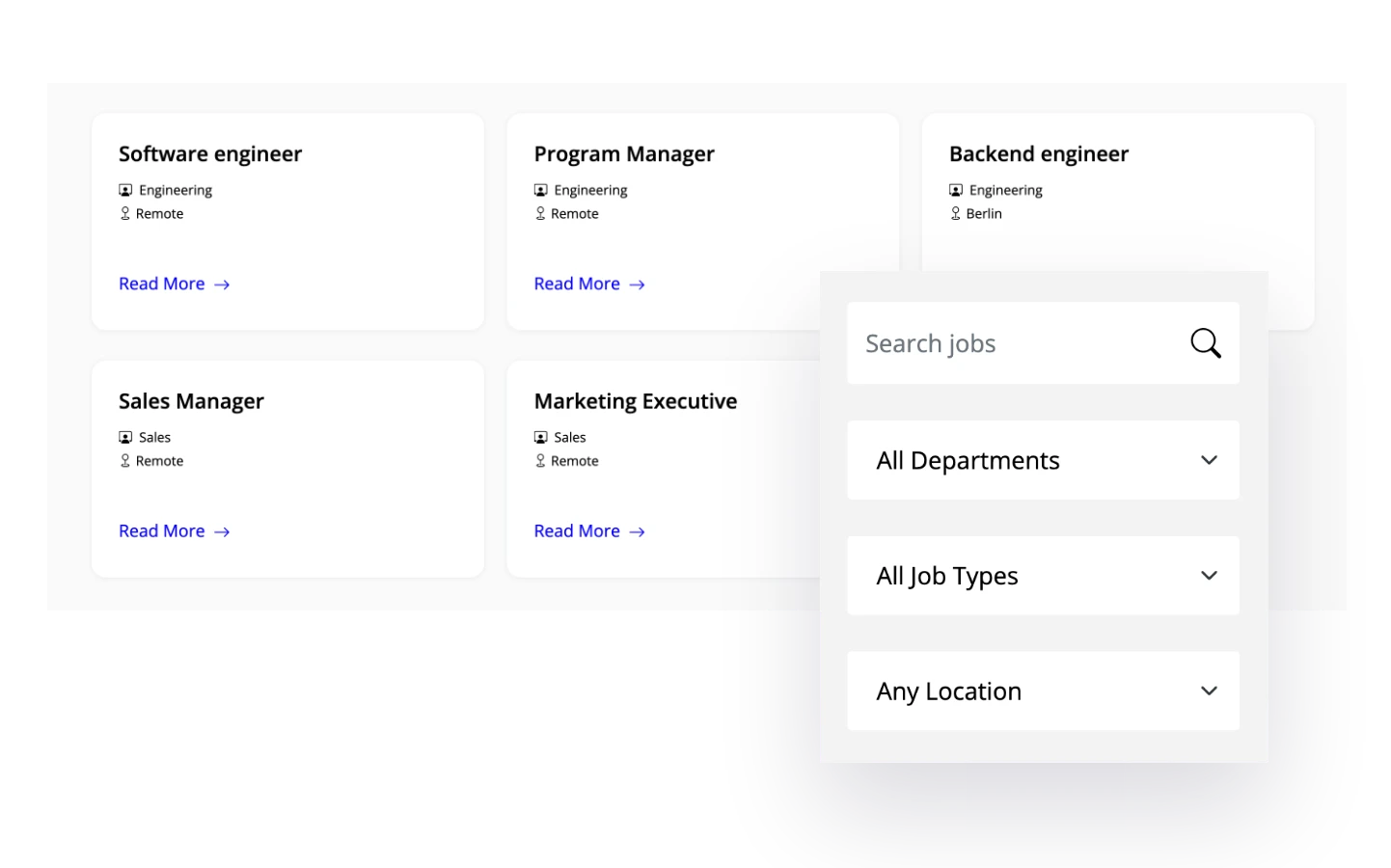
It will take sometime for the DNS changes to propagate. Then goto SubPage editor and click Publish domain. Your career page for your WebFlow website is ready. It includes job listing with search and filters, form submission, email notifications and more. All these without lifting a finger.
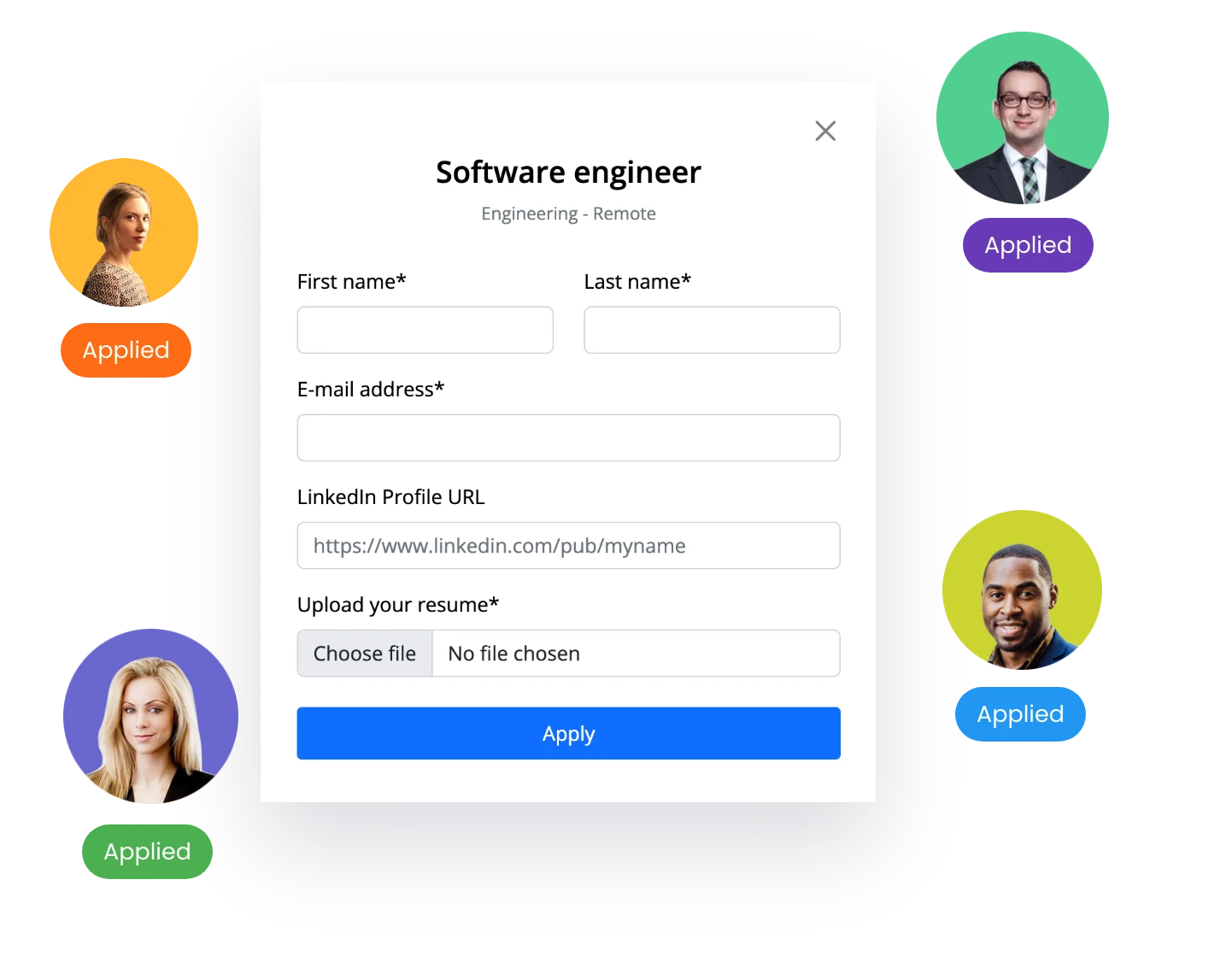
Now your career page becomes part of your main WebFlow website. Now receive applications, track candidates and automate hiring workflow.
While your WebFlow template might include a career page that seamlessly matches the rest of your website, consider the following reasons why it's a smarter decision to manage your hiring operations with the SubPage app.